EdTech Foundation Group Project
Final Feedback
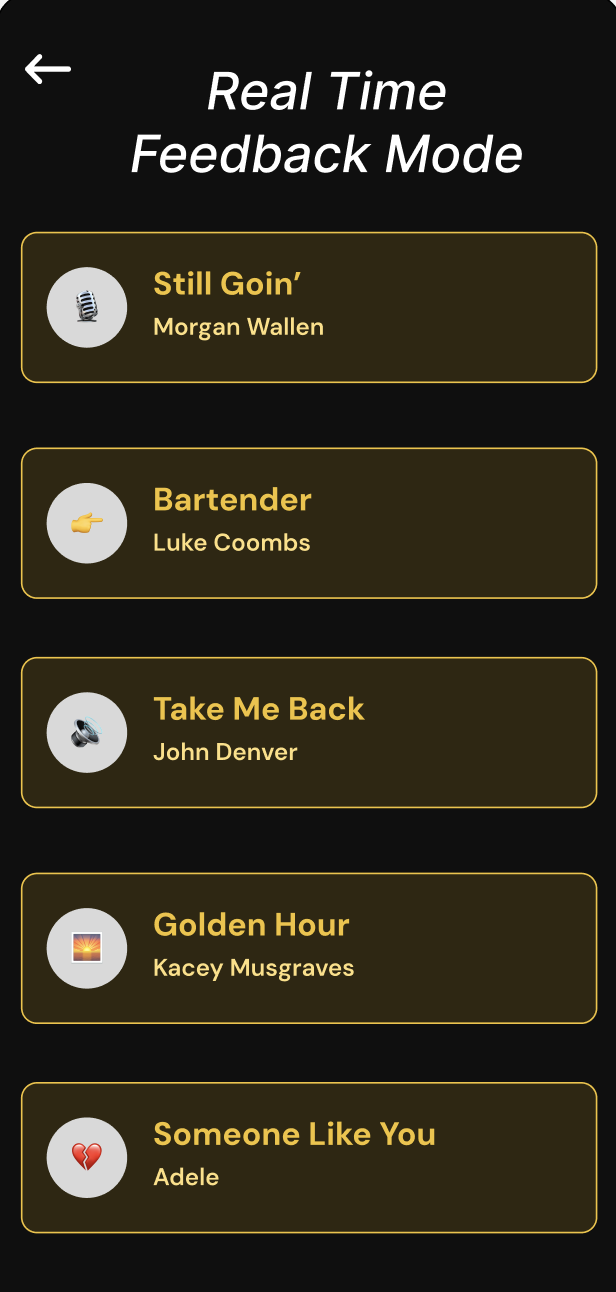
The final feedback from our professor/TAs included having more consistent design throughout the features. We went through and updated color schema, font, and character sizes. The feedback received from final user testing for the realtime feedback feature included creating additional screens after selecting a song and before the song start. I added those screens so now the user has to click a ‘begin’ button before the song starts. Another feature request was for an icon to indicate whether the device was listening to the user playing guitar or not. That was added to the top right of the screen.
Reflection on the Assignment
This project taught me a lot about the cyclical process of UI/UX design through user testing and feedback. The app we decided to use was Ultimate Guitar which at first seemed straightforward on how we can break down different skills into components (ie Music theory, pitch accuracy, rhythm accuracy, etc). It was easy actually to apply the different learning science theories towards the different features. For instance, my feature was to provide realtime feedback to user’s as they were playing a song. By isolating where the user needed to enhance their skill (pitch or rhythm) it allowed the user to manage cognitive load and also isolate a segment of the song then practice it with the entire song later on.
The hardest part of this project was simulating user’s actually playing the guitar. I think it was hard for the audience/ someone trying the app out without a guitar to conceptualize whether the app was helpful with their skill growth or not. We found that if we provided a guitar to the user while receiving feedback, it would be more accurate and more helpful. That being said, it wasn’t easy to find a user and a guitar at all stages of the project.
As a 1st year PhD student in HCC with a concentration in learning science and technology I wish we had more time to explore the different learning science theories and more time to fine tune our features according to those theories. I think user testing was great to collect the average user feedback, but I wanted to see more growth through the development stages that were influenced by the learning science theories. I think this could be solved by having students in the learning science department give feedback each step of the way.
Group Project Portfolio Entry
Background & Pain Points
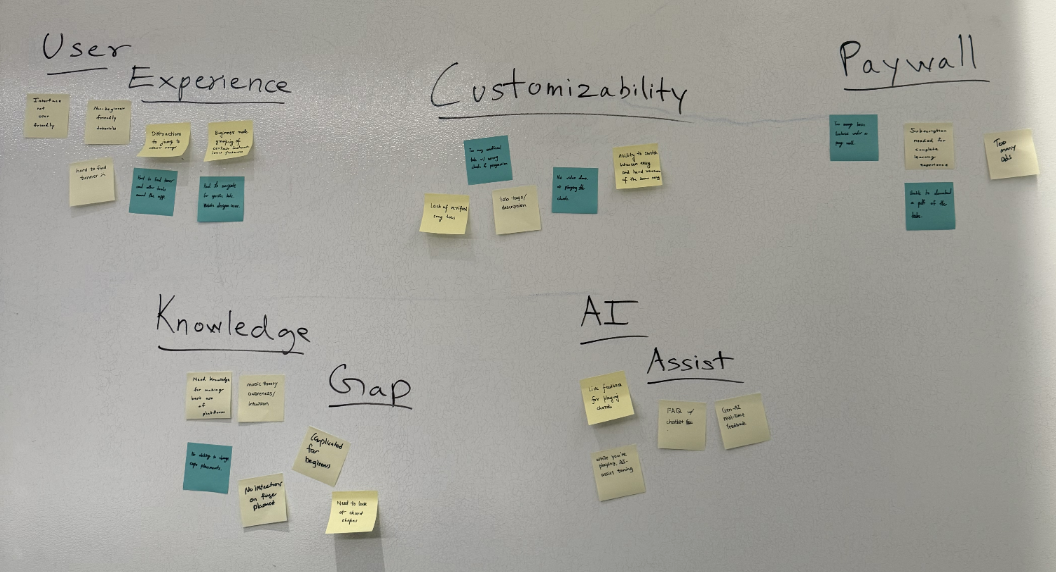
After collecting user feedback on the Ultimate guitar app the team came together to create an Affinity Diagram and identified the following themes in problems:
User Experience - Users identified that the UX of Ultimate was “chaotic”, had to much text, and was intimidating to new users
Customizability - Users identified the desire to customize the experience they were having on the app (as per their level of experience)
Paywall - Many of the features hidden behind a paywall were wanted
Knowledge Gap - Users identified that their gap in knowledge of music and guitar playing was a major factor in knowing how to use the app effectively when trying to learn how to play the guitar.
UX Research
For each step of the design process the team had users to reach out to for contextual inquiry. We ensured that we had all types of users regarding their level of mastery of guitar skills. This include first time players, amateur players, and experienced players. The team concluded on the following problems/features to begin collecting user feedback and data.
Feature 1: Voice Sync Training - Use a voice track to transpose and practice guitar with
Feature 2: Music Theory - Show why certain chords lined up and learn how to compose your own chord progressions based on mood and theme of the song
Feature 3: Real-time Feedback - Helps the user practice pitch and rhythm while playing the guitar in realtime
Feature 4: Song-Based Decomposition - Dedicated section of exercises to build the fundamentals you need across various songs
Feature 5: Scale Trainer - Provides instant visual feedback, creating an engaging and goal-oriented practice.
Design Inspirations
The theme of our team’s project learning science influence was Component Skills. From the readings, two distinct learning science theories support this feature. The first is managing cognitive load. By giving real-time feedback that points out exactly what is going wrong (i.e., learner hitting the wrong note in real time) temporarily relieves the student's cognitive load, allowing them to focus on the skill needing to improve. The feature will also allow Targeted Practice for Integration. By isolating the exact component skill that needs improvement, the learner can dedicate more time to that specific skill, which will help overall mastery.
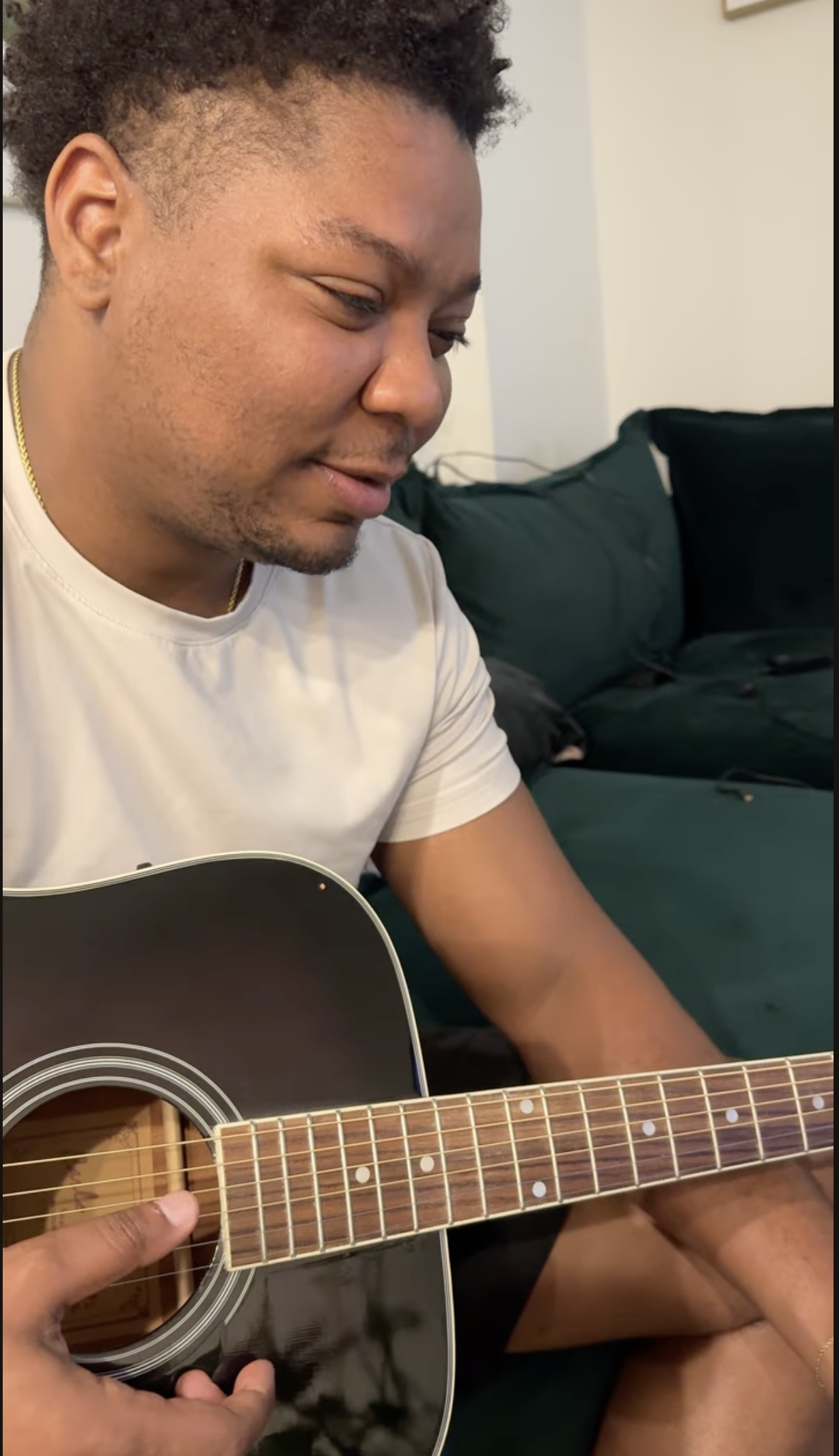
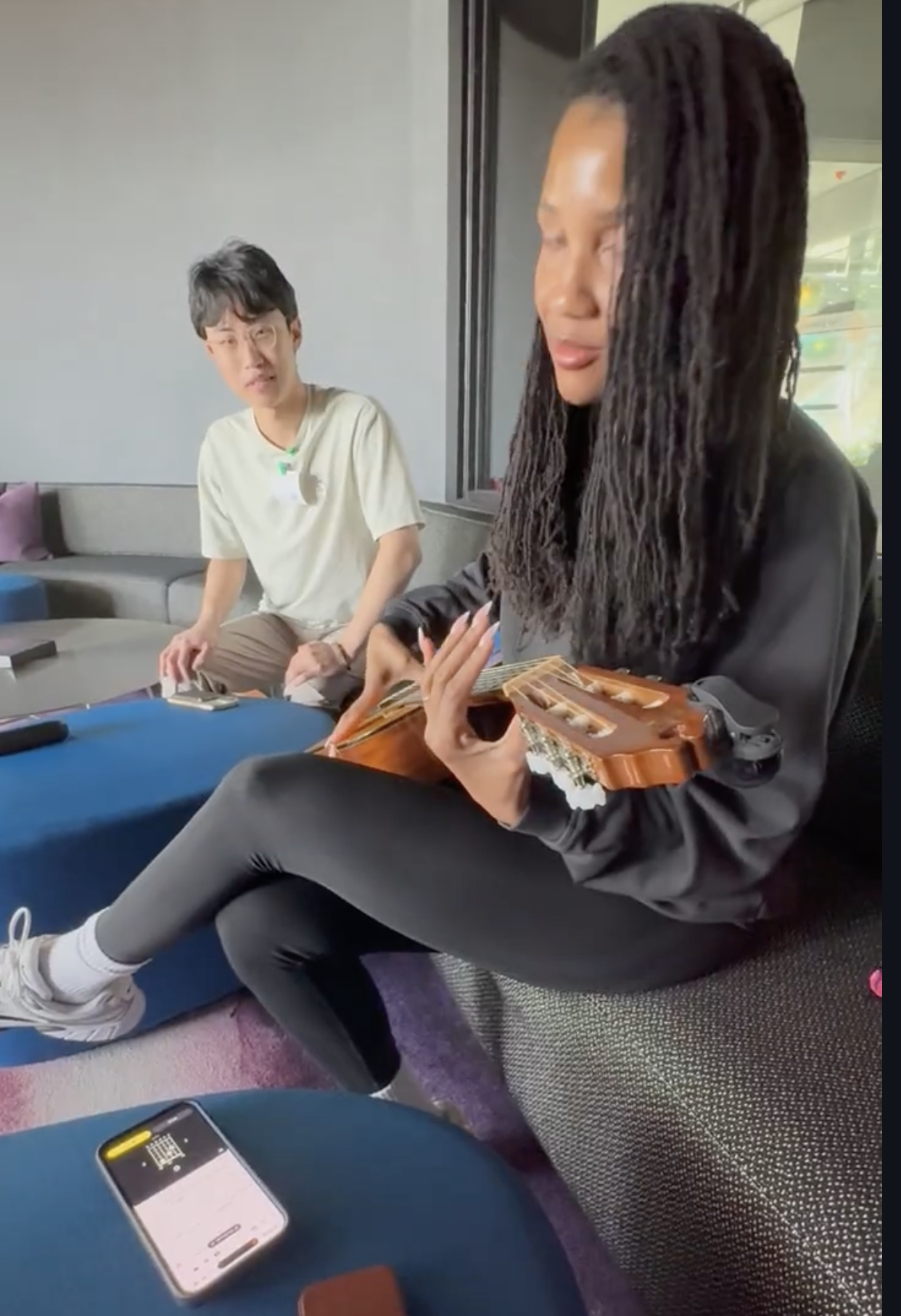
To ensure authentic feedback from our users we ensured that the user received no guidance when using our application. We would only answer questions if the user asked. This allowed for the most authentic feedback from the users. Once the feedback was given, it was synthesized by the team and the prototypes would be adjusted according
User Feedback and Prototypes
Low Fidelity Prototype
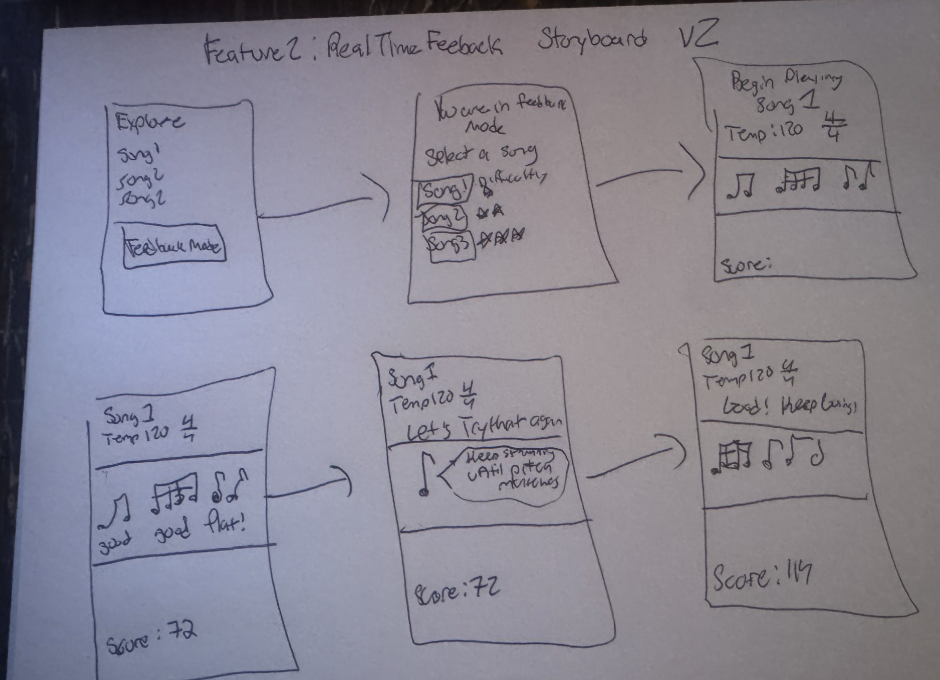
The Low Fidelity Prototype was hand drawn and leveraged Hollywood Panels to showcase the realtime feedback feature.
User Feedback
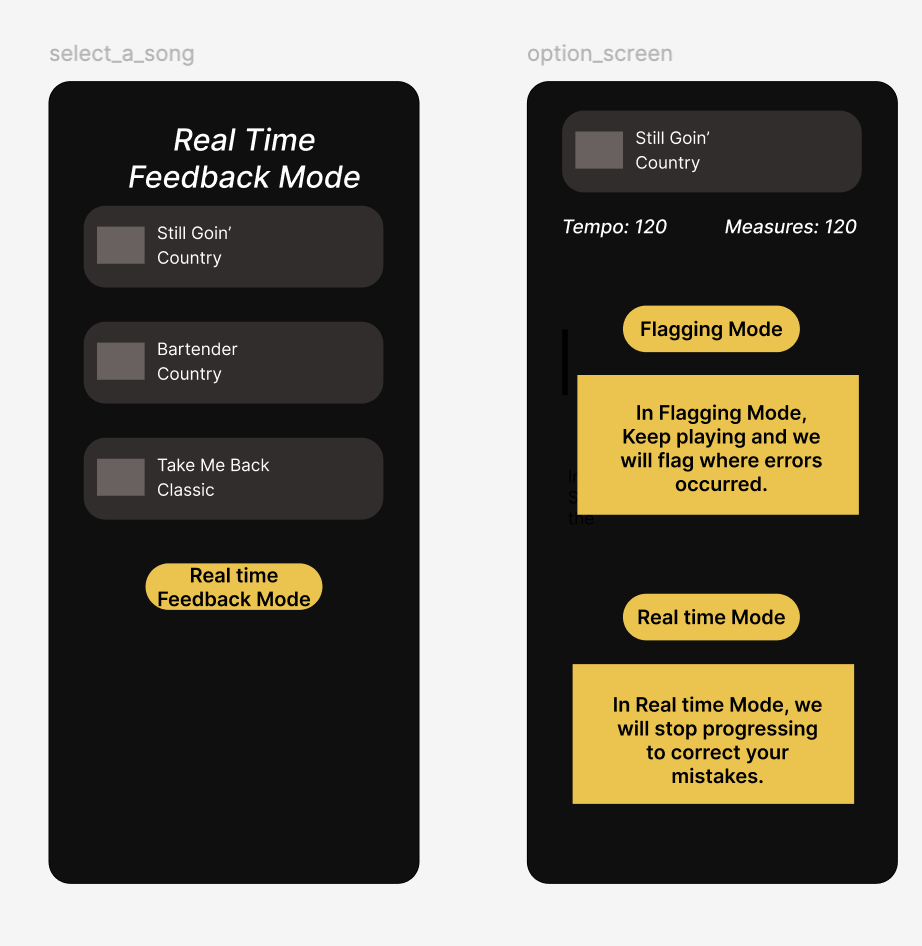
Users indicated wanting two different modes, Flagging mode and real-time feedback mode. In the flagging mode, the user will continue playing the song and the app will track areas of the song that the user must improve. Then at the end of the song the user can choose to go back and practice those areas that needed improvement.
Mid Fidelity Prototype
Mid Fidelity Prototype was done via Google Slides. It included both a v1 and v2 to showcase the different modes (realtime feedback and flagging feedback).
User Feedback
Users liked the addition of the flagging mode. (It seemed that more advance guitar players wanted to continue playing). The less experienced guitar players liked the realtime feedback mode more.
Prototypes 0,1 and the Final Prototype
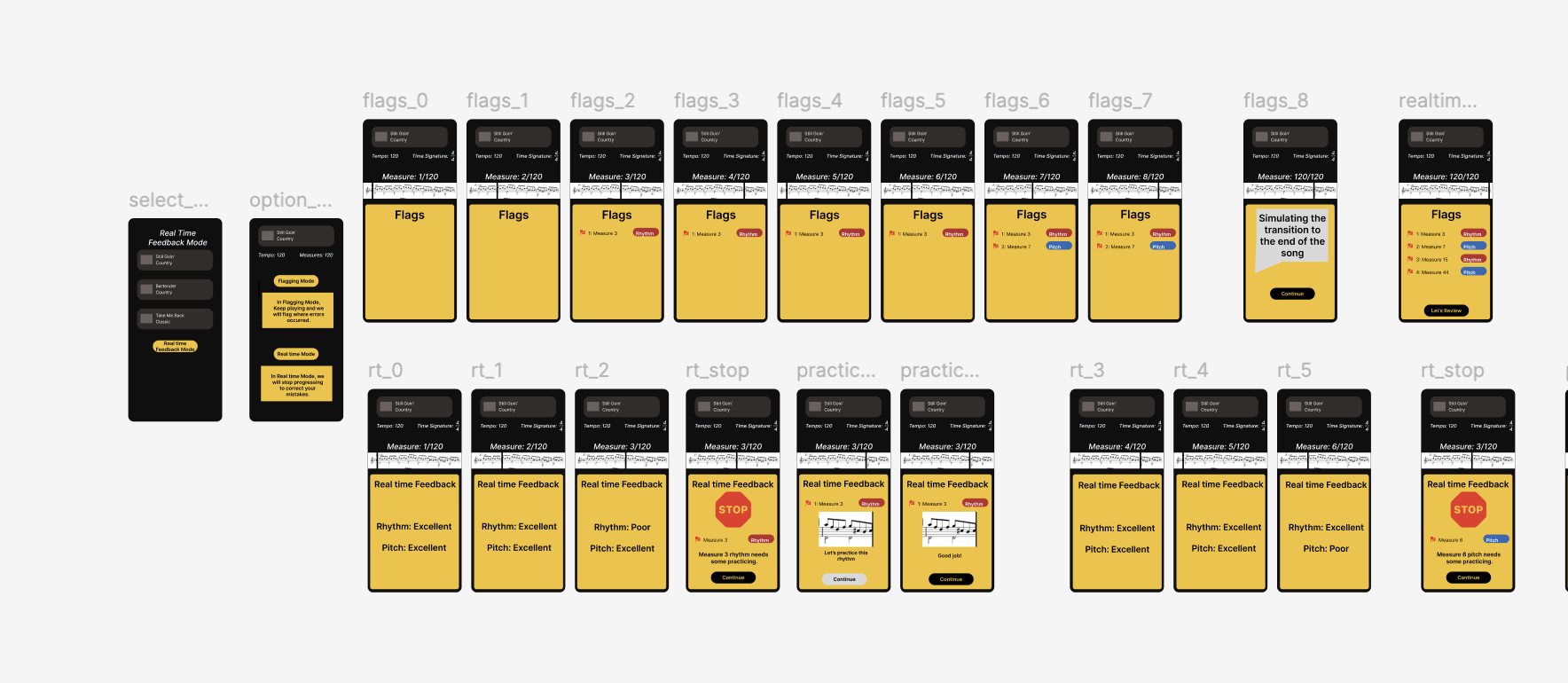
Prototype 0 was the first iteration leveraging figma. This version allowed the users to actualize the app features for the first time. This version of the Realtime feedback feature included a simulation of the user playing a song and the app listening to the user’s performance. This was done using Wizard of Oz tactic, in which the app simulated the user making mistakes on certain musical measures and allowing them to see those mistakes.
User Feedback
Users seemed to like this version of the feature the best. The most critical feedback included needing additional screens in which the user clicks a button to begin the song playing session. The users allows indicated wanting icons to display when the app was listening to the guitar playing and when it was not. Click the “check out prototype 0” button to try it out.
Affinity Diagram
User Feedback
User Feedback
Low Fi Prototype
Mid Fi Prototype